What Is Nusuk and Why It Matters for Every Pilgrim
Nusuk is the official digital platform launched by the Saudi Ministry of Hajj and Umrah to simplify the entire pilgrimage experience. It is designed to centralize everything a pilgrim needs into one secure, easy-to-use system.
Instead of juggling paperwork, separate bookings, and manual approvals, Nusuk allows pilgrims to manage key aspects of their journey digitally.
Through Nusuk, you can:
- Manage Umrah-related permits and travel authorizations
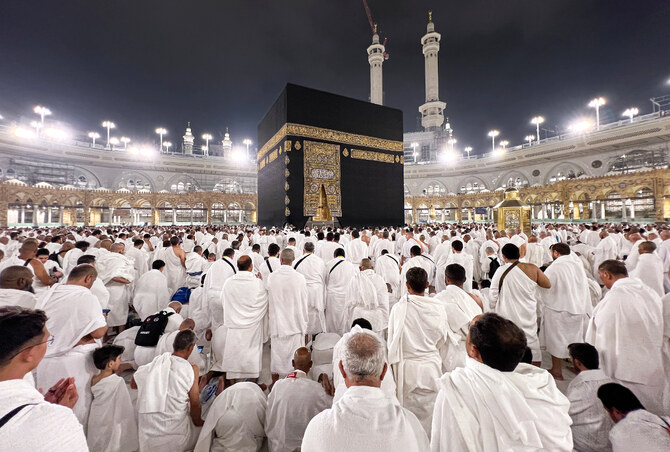
- Book entry slots for Umrah inside Masjid al-Haram
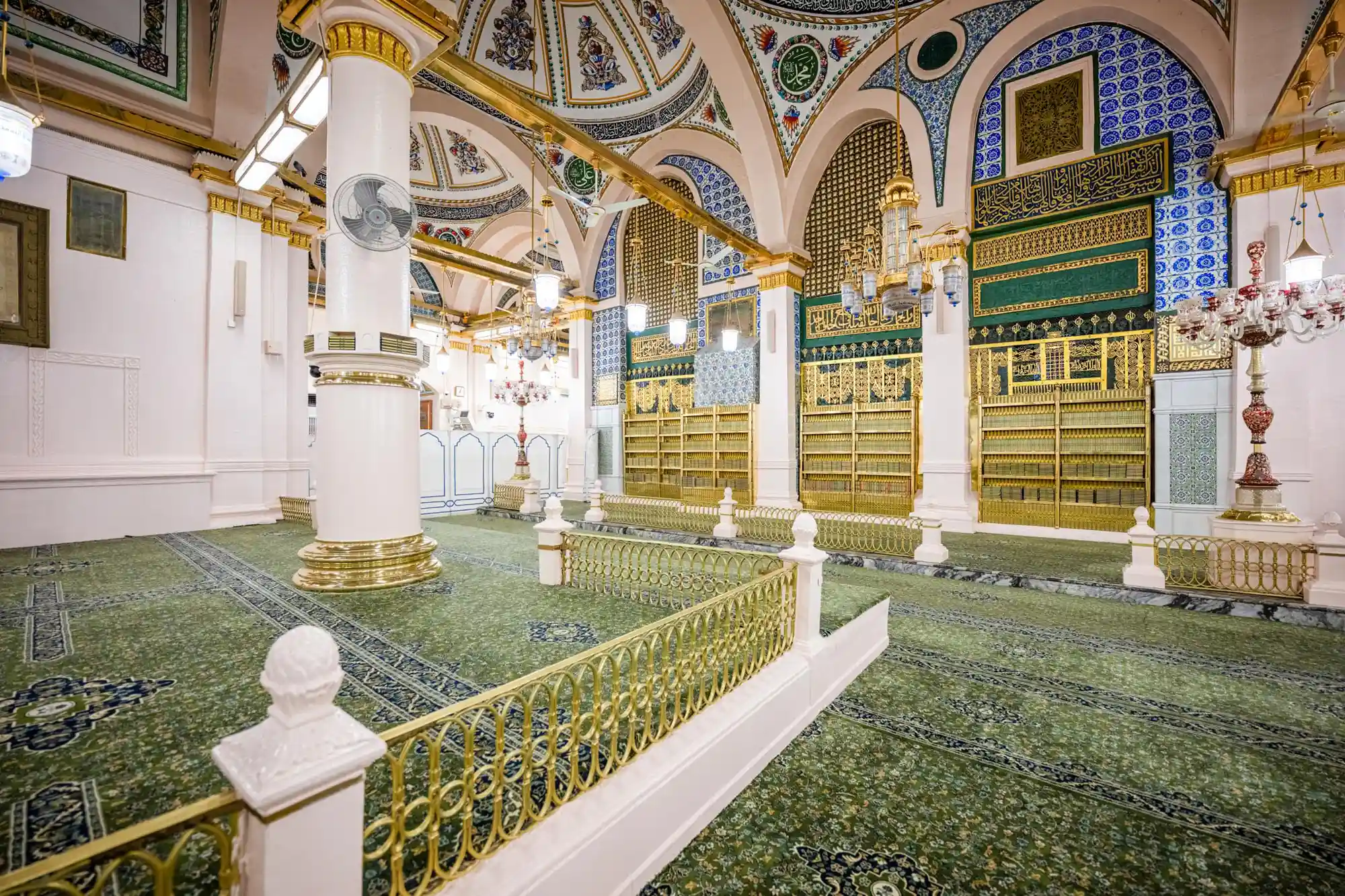
- Reserve Rawdah visit permits in Masjid an-Nabawi
- Access approved services such as transport, accommodation, and guided religious tours
- View maps, instructions, and essential religious guidance for pilgrims
As many scholars and pilgrims say: “Ease in worship is a mercy, and organization is part of that mercy.”
Nusuk reflects exactly this principle.
Step 1: Creating Your Nusuk Account
To begin your journey, you must first set up your Nusuk profile.
Start by downloading the Nusuk app from the App Store or Google Play. Once installed, open the app and select your preferred language.
Then follow these steps:
- Tap “Register New User”
- Select “Visitor” if you are not a Saudi resident
- Enter your passport number or border entry number
- Add your visa details (if already issued)
- Provide your date of birth, email address, and mobile number
- Verify your account using the OTP sent to your device
Important note: Always use the same phone number and email that you used during your visa application. This ensures smooth verification and avoids system mismatches.
Step 2: Booking Your Umrah Permit
Once your account is active, you can proceed to book your Umrah permit.
Inside the app:
- Navigate to “Permits” and select “Umrah Permit”
- Choose your preferred date and available time slot
- Confirm your booking
After confirmation, a digital permit with a QR code will be issued. This QR code may be scanned at entry points depending on crowd control systems in place.
It is strongly recommended to:
- Take a screenshot of your permit immediately
- Save it offline in case of weak internet connectivity near the Haramain
A helpful reminder from many pilgrims: “Do not rely only on the app. Always carry a backup.”
Step 3: Booking the Rawdah Visit in Madinah
One of the most spiritually significant experiences is visiting the Rawdah in Masjid an-Nabawi, often described as a garden from Paradise.
To book your Rawdah permit:
- Open the “Prophet’s Mosque Services” section in Nusuk
- Select “Noble Rawdah”
- Choose your category based on gender
You will usually see two booking options:
- Standard Booking: Available 24 to 48 hours in advance
- Instant Booking: Short-notice slots that refresh frequently, often requiring you to be near the mosque area
After confirming your slot:
- Save the QR permit immediately
- Keep your phone brightness high for scanning at entry
Pilgrims often observe that new slots appear at regular intervals, especially around the start and middle of each hour, making timing important.
Step 4: Staying Connected During Your Journey
Reliable connectivity is essential when using Nusuk inside Saudi Arabia.
To avoid issues:
- Use a Saudi SIM card or eSIM for stable internet access
- Ensure mobile data is always active when entering the Haram area
- Keep screenshots of all permits saved in your gallery
- Download important information for offline access where possible
Think of your phone as part of your pilgrimage toolkit, not just a communication device.
Common Nusuk Issues and Practical Solutions
Many pilgrims face similar challenges when using the platform. Here is how to handle them:
If you cannot register or log in:
- Ensure your visa or border number is correctly entered
- Try again after your visa becomes active in the system
If Rawdah slots are unavailable:
- Keep checking frequently as slots refresh quickly
- Try during off-peak hours when demand is lower
If QR codes fail at entry:
- Increase screen brightness
- Show a screenshot instead of relying on live loading
- Arrive early to avoid last-minute stress
Spiritual Perspective of Using Nusuk
While Nusuk is a digital tool, its purpose is deeply spiritual. It helps organize your journey so your heart can remain focused on worship.
A few important reflections:
- Set your niyyah (intention) before every booking
- Use Nusuk not just for logistics, but to plan meaningful ziyarat visits
- Prepare duʿās for Tawaf, Sa’i, and Rawdah in advance
- Practice patience, especially when securing Rawdah slots
Remember: “Patience in planning leads to peace in worship.”
Final Checklist Before You Travel
Before heading to Makkah or Madinah, make sure you:
- Complete your Nusuk registration after visa approval
- Book Umrah and Rawdah permits as early as possible
- Save all QR codes offline
- Ensure your phone stays connected in Saudi Arabia
- Familiarize yourself with the app before departure
Closing Reflection
Nusuk is more than an app. It is a gateway that connects modern technology with sacred travel, helping millions of pilgrims experience Umrah with greater ease, structure, and peace of mind.
May your journey be accepted, your steps be blessed, and your heart find tranquility in the House of Allah. Ameen.